
Guides
Sell digital products online: the complete guide
Learn how to sell digital products online, validate an idea, price downloads, choose a platform, set up checkout and delivery, and handle EU VAT.
Sell digital products online: the complete guide
To sell digital products, solve a specific buyer problem, package the solution as a file or online experience, connect a checkout, and deliver access after payment. This guide covers validating your idea, setting prices, choosing software, accepting payments, handling EU VAT, and turning initial orders into a repeatable business.
By Seph Fontane Pennock. Published October 8, 2026. Updated October 10, 2026.
What is selling digital products?
Selling digital products means charging for files, resources, or access delivered electronically rather than shipping physical goods. Examples include ebooks, spreadsheets, design assets, recorded courses, and paid libraries. You create the original once, then sell copies or licenses, while continuing to pay for delivery, marketing, support, and updates.
A download transfers a file to the buyer. A course or membership usually grants access to an account. That distinction determines whether you need digital download software, a learning platform, or a checkout connected to a separate delivery system.
Selling digital goods also means defining what the buyer may do with them. State whether the purchase includes personal use, use in client work, or redistribution rights. A file that can be copied is not automatically a file the customer may resell.
How selling digital products online works
The basic sequence is offer, payment, delivery, and support. Keep each step testable before adding more products or marketing channels.
- Present the offer. Show the intended buyer, problem solved, contents, file formats, requirements, price, and license.
- Collect payment. Your checkout records the order and passes payment processing to the connected provider or platform.
- Confirm payment success. Use the platform's paid-order trigger, including delayed payment handling where relevant, to start fulfillment.
- Deliver the purchase. Provide download access or an account invitation, with instructions and a way to recover access later.
- Handle exceptions. Decide how to resolve a missing email, broken file, duplicate order, refund, or canceled membership.
A receipt is not necessarily a delivery email, and an order created is not necessarily an order paid. Test both distinctions. If you sell digital content through recurring access, also test what happens when payment fails and when the subscription ends.
Digital product business ideas and pricing examples
Choose the format that makes the buyer's task easier. These examples are hypothetical offers created on October 8, 2026, not market averages or claims about the highest selling digital products.
| Product idea | Specific buyer outcome | Illustrative price | Delivery and pricing logic |
|---|---|---|---|
| Freelance proposal template | Send a scoped proposal without starting from scratch | $19 once | Editable document plus sample; charge for a useful shortcut |
| Project budgeting spreadsheet | Estimate costs and compare actual spending | $39 once | Workbook, sample data, and instructions; compatibility matters |
| Home recording mini-course | Record a clear first voice track | $79 once | Account access, lessons, and practice files; price the learning outcome |
| Client onboarding bundle | Standardize intake, kickoff, and handover | $99 once | Organized download folder with a stated business-use license |
| Monthly teaching-resource library | Receive fresh classroom materials | $15 per month | Member access; recurring billing creates an ongoing delivery promise |
Source: editorial examples dated October 8, 2026. These prices are invented for illustration, not taken from vendor pricing pages.
There is no reliable universal price for a digital download. Compare substitutes, the buyer's budget, the license, and the support included. A narrowly useful spreadsheet can justify more than a longer ebook if it solves a more expensive problem.
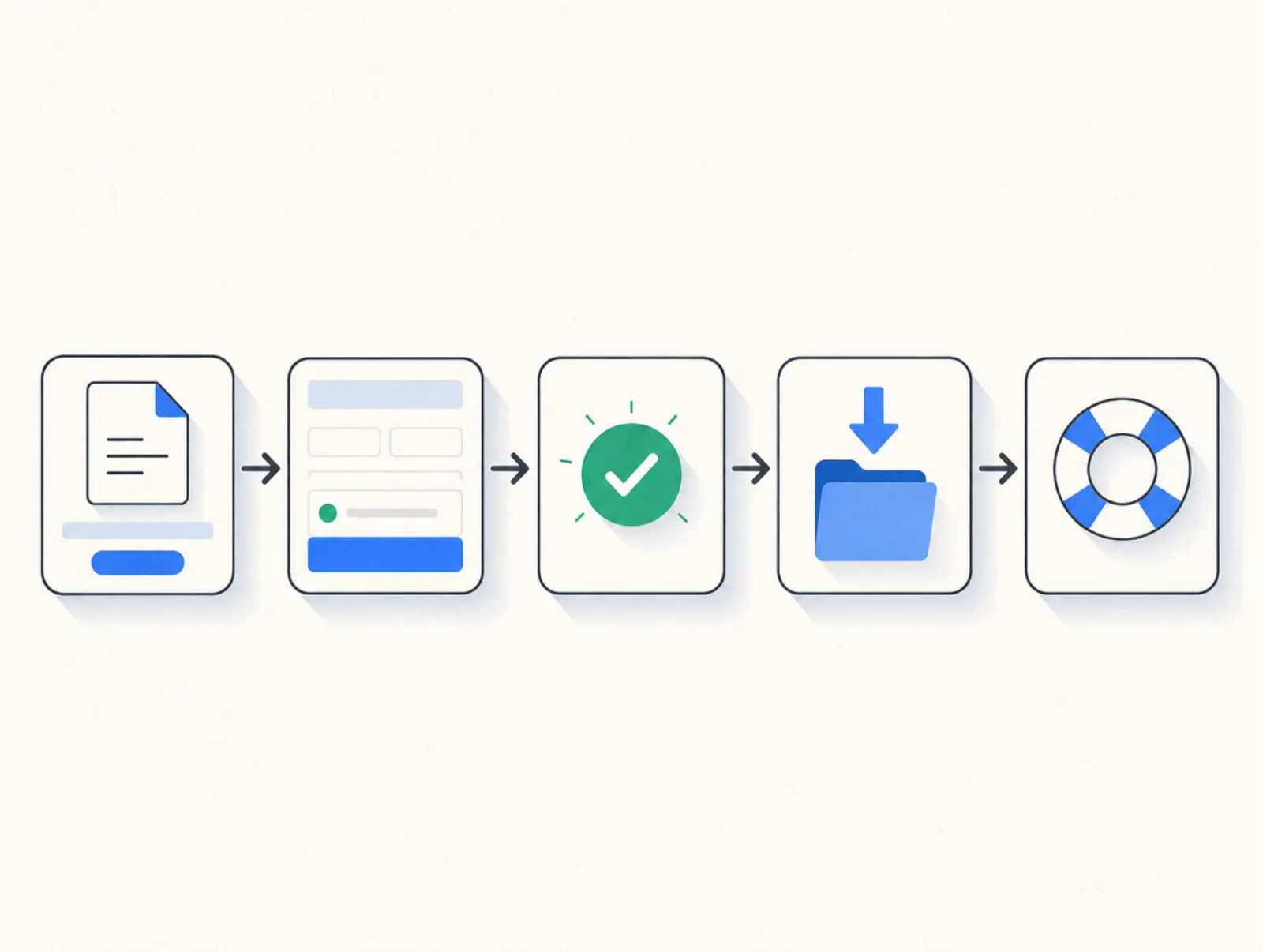
How to create and sell digital products
Start with a problem you can describe in the buyer's words. Look at support questions, customer conversations, and existing paid alternatives. Evidence that people already spend money or time on the problem beats enthusiasm for a broad topic.
Validate a small offer
Speak with prospective buyers before building the complete product. Ask what they currently use, where it fails, and what a usable replacement must include. Show a sample or outline, then ask whether they would buy that specific offer.
A preorder can test willingness to pay, but state that the product is unfinished, give a delivery date, and explain refunds. Do not imply immediate access when delivery will happen later. You can also validate with a small finished version and expand it after customers use it.
Package the result
Create and sell digital products that work without you standing beside the buyer. Include a short start-here file, supported software or file formats, a license, and contact details. Open the delivered files on a separate device and follow the instructions as a new customer would.
Set boundaries around updates and support. A one-time download, lifetime updates, and ongoing personal advice are different offers with different costs. Avoid promising all three simply because the file itself is inexpensive to copy.
How to sell digital products: checkout and delivery setup
For any platform, create the product, configure its price and tax treatment, upload the deliverable, and connect the supported payment account. Add the product to a checkout with clear contents, terms, and a support address. Then test payment, digital product delivery, access recovery, and refunds before sending traffic.
For ebooks and templates, test the actual file rather than just the download button. For courses, test account creation and lesson access. For memberships, test both access renewal and removal; sending a permanent public folder link does not create controlled recurring access.
In Plug&Pay
Lite supports one-time products; subscriptions and installments require Premium or Ultimate. The product-editing guide, checked October 8, 2026, confirms those plan boundaries.
- Open Products > Create product. Enter the name, then set the billing cycle, price, and VAT treatment. The product creation guide explains these steps.
- Open Media > Add File and upload the deliverable. In the product's Media tab, attach it under downloads. The documented limits are 50 MB per file and five downloads per product, checked October 8, 2026. Download setup instructions.
- Open Pages > Checkouts > Create checkout. Select the product, name the page, choose its template, and complete General and Content. Checkout setup instructions.
- Use the default order summary for download delivery, or link a custom download page through After order > Custom URL. The default summary is shown once after checkout, so separately test how customers recover access later. Delivery options.
- Place a test order, activate the checkout, disable test mode, and confirm the payment provider and methods are active. Go-live checklist.
Plug&Pay uses your own Stripe or Mollie connection. Their charges vary by method and market; check Stripe's pricing or Mollie's pricing, both checked October 8, 2026, alongside the integration's supported methods. A provider offering a wallet does not mean every integration exposes it.
EU VAT when you sell digital goods online
For electronically supplied services sold to EU consumers, VAT generally follows the customer's country. Exceptions depend on the seller's circumstances; the small cross-border threshold is not a general exemption for US sellers. The European Commission describes the Union and non-Union OSS routes for reporting eligible sales. EU OSS guidance, checked October 8, 2026.
Distinguish calculation from remittance. A checkout can calculate VAT and issue an invoice while leaving registration, returns, and payment to you. A merchant of record takes a different role in the transaction; confirm which taxes it handles and which obligations remain with your business.
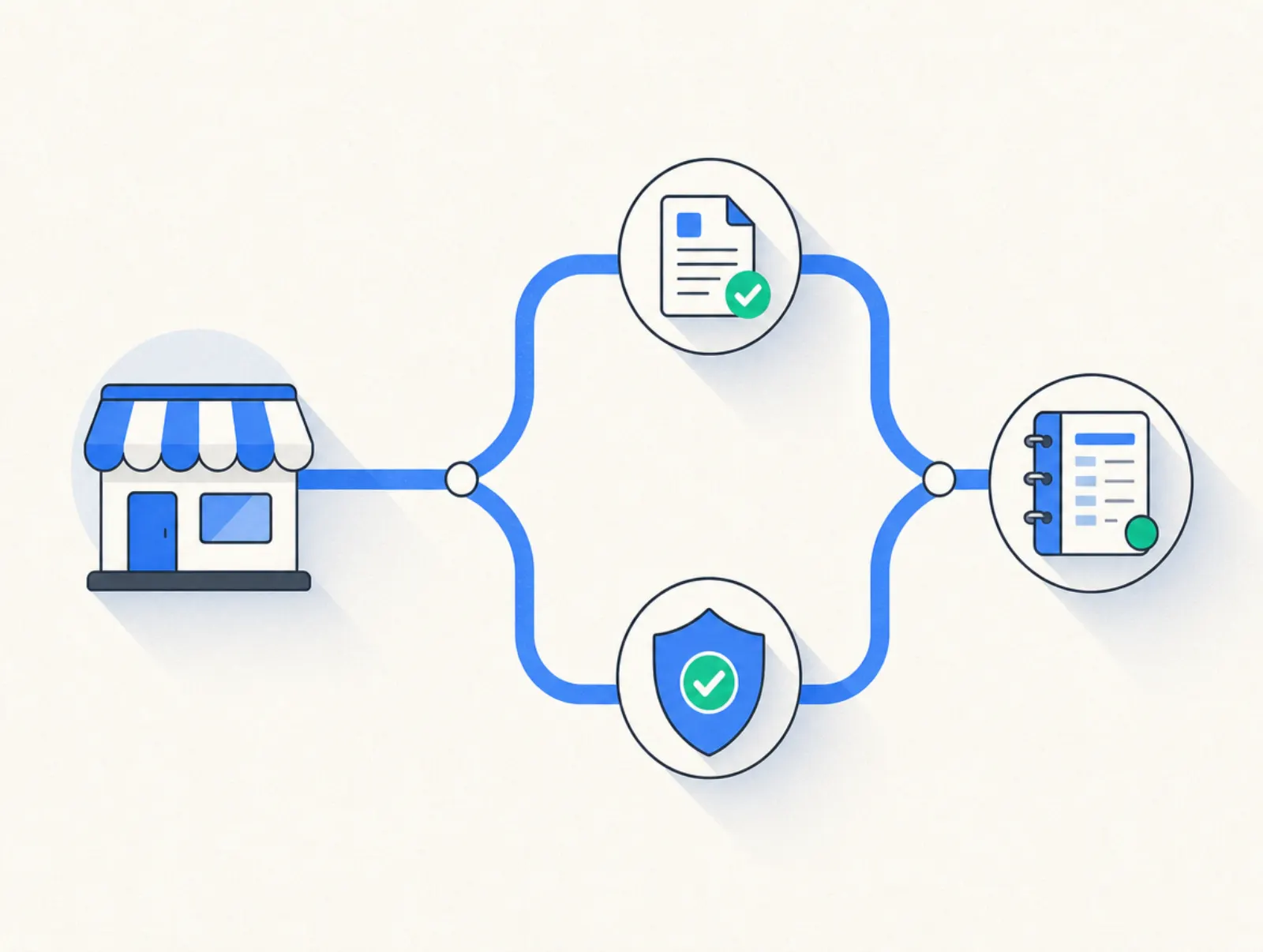
In Plug&Pay, use Settings > VAT & Union Regulation, then the product's Pricing tab. Its documentation covers EU VAT settings, OSS configuration, and cross-border business reverse charge with VIES validation. Plug&Pay is not a merchant of record and does not calculate US sales tax. VAT setup, checked October 8, 2026.
Where to sell digital products?
You can sell digital products through a hosted storefront, a marketplace, a course platform, or a checkout linked from your own website. Choose according to delivery requirements, tax responsibilities, payment availability, and total cost. A storefront gives you somewhere to send buyers; it does not guarantee that buyers will arrive.
| Tool | Starting subscription | Sales and processing fees | Delivery strengths | Limits to consider |
|---|---|---|---|---|
| Payhip | Free Forever: $0/month | 5% platform fee, plus payment processing | Download page and emailed access link; EU/UK digital VAT collection and remittance | The 5% fee stays on the free plan; Plus ($29/month) cuts it to 2%, and Pro ($99/month) removes it; other taxes need separate attention |
| Gumroad | No monthly subscription | Standard direct sales: 10% + $0.50, plus card processing of 2.9% + $0.30; Discover: 30% including processing | Hosted content delivery; merchant-of-record sales-tax handling | Direct and marketplace economics differ; model the full fee |
| Plug&Pay Lite | €15/month billed annually (€25 monthly) | No platform fee; Mollie or Stripe processing fees | Hosted checkouts and small downloads; EU VAT settings; order bumps | Three products and ten pages; no built-in course hosting, US sales-tax calculation, or embedded checkout |
| Kajabi Basic | $179/month, or $143/month billed annually | US Kajabi Payments card rate: 2.9% + $0.30; certain third-party processor choices add a platform fee | Courses, downloads, website, and email in one subscription | Higher fixed cost; plan limits and processor eligibility matter |
Prices taken from payhip.com/pricing, gumroad.com/pricing, plugandpay.com/pricing, and kajabi.com/pricing on 10 October 2026. Gumroad processing fees come from its fee help article, fetched the same day; that article also describes a high-volume discount.
Plug&Pay pricing: Lite is €25 a month, or €15 a month billed annually (€180 a year); Premium is €69 a month, or €59 a month billed annually (€708 a year); Ultimate is €149 a month, or €119 a month billed annually (€1,428 a year). Prices exclude VAT.
Payhip's download documentation confirms receipt links and immediate post-purchase downloads. Gumroad provides content access through the purchase receipt. Kajabi supports a dedicated Downloads Product, alongside courses.
For the broader subscription decision, see our Kajabi pricing breakdown. For direct-sale calculations and marketplace differences, see the Gumroad fees guide.
Trials, cancellation, and customer access
Payhip's free plan has no timed trial; paid plans can be canceled through Account settings > Payment Details. Gumroad has no monthly seller subscription to cancel. These are different arrangements from a trial that becomes a paid software contract. Payhip cancellation help, checked October 8, 2026; pricing sources above checked the same day.
Plug&Pay offers a 14-day free trial before the first debit; cancel within that period to avoid the charge. Its monthly and annual subscriptions renew on their respective cycles; annual billing is a yearly commitment.
Kajabi's standard trial lasts 14 days; cancel before its end to avoid a charge when a card is on file. Canceling the software ends customer access at the billing or trial period's end, but does not automatically stop customers' recurring payments. Trial terms and cancellation details, checked October 8, 2026.
What seller reviews can tell you
Use reviews to identify workflows worth testing. These Payhip experiences concern ease of use and audio presentation, not guaranteed results or an independently verified feature audit.
- "Extremely easy to use. Direct to the point." Pedro Márcio, Trustpilot, experience dated October 2, 2026. Read the review on Trustpilot.
- "there's no integrated audio player." Lxvr, Trustpilot, review published September 28, 2026; experience dated January 1, 2026. Read the review on Trustpilot.
Both excerpts were checked October 8, 2026. If audio previews matter to your offer, test the buyer experience with your own file before choosing a platform.
How to make money selling digital products
Profit depends on what remains after taxes, refunds, payment fees, software, acquisition, and fulfillment costs. A digital product can have low copying costs and still lose money because advertising or support absorbs the margin.
Use this calculation: contribution per order = revenue excluding tax minus variable costs. Then subtract fixed software costs and the value of your production time to judge the business, rather than treating checkout revenue as personal income.
| Illustrative monthly calculation | Amount |
|---|---|
| 100 orders at $39, excluding tax | $3,900 |
| Assumed combined payment and platform costs: $4 per order | −$400 |
| Assumed refunds and support allowance: $3 per order | −$300 |
| Assumed customer acquisition: $10 per order | −$1,000 |
| Contribution before fixed costs | $2,200 |
| Assumed fixed software and operating costs | −$100 |
| Remainder before creation labor and income taxes | $2,100 |
Source: editorial scenario calculated October 8, 2026. All inputs are hypothetical, including fees; this is neither a vendor quote nor an earnings forecast.
The useful decision is whether each additional sale contributes enough to cover the work and fixed costs. Recalculate when discounts, acquisition costs, or support needs change. Recurring revenue also brings recurring obligations, so budget for updates and cancellations.
Grow digital product sales
Start with a channel where you can reach the specific buyer. Publish a demonstration that solves part of the problem, answer relevant search questions, or send a useful sample to an audience that opted in. Make the paid product the logical next step, with a clear explanation of what it adds.
Track qualified visits, checkout starts, paid orders, refunds, and contribution per order. If people visit but do not start checkout, investigate the offer and its explanation. If they start checkout but do not pay, inspect unexpected costs, payment failures, and unanswered questions.
Improve the main product before adding a large catalog. A relevant bundle or optional add-on can expand the order, but the original offer should remain useful alone. Our order bump guide explains how to present an optional checkout addition.
Mistakes to avoid
- Building before checking demand. Validate the buyer's problem and the proposed deliverable before recording an extensive course.
- Hiding requirements. State file formats, compatible software, language, and the knowledge needed to use the product.
- Confusing access with protection. A public link can be forwarded; account controls also cannot prevent someone copying an already downloaded file.
- Promising unlimited support. Define what assistance and updates the price includes, especially for low-priced downloads.
- Ignoring tax responsibility. Identify who calculates, collects, reports, and remits the applicable tax before accepting orders.
- Testing only the successful purchase. Check missing emails, failed payments, refunds, and expired access as well.
- Treating sales as profit. Include your time and the cost of reaching buyers when deciding whether the offer works.
Related reading
- Where to sell digital products: 12 platforms compared
- Stan Store pricing (2026): plans, fees and real costs
FAQ
How do you start selling digital products with no audience?
Choose a narrow buyer group and validate a problem through direct conversations or communities where participation is welcome. Create a small finished solution, publish a useful demonstration, and direct interested buyers to one tested checkout. A hosted store handles the transaction, but you still need a reason for people to visit.
What are the top selling digital products?
There is no verified universal ranking across all platforms, and sales volume differs from profitability. Ebooks, templates, spreadsheets, courses, and asset libraries are formats to investigate, not a guaranteed bestseller list. Compare demand and competition within a specific buyer group before choosing one.
How do you sell digital products for free?
You can start without a monthly platform subscription using Payhip's free plan or Gumroad, according to their pricing pages checked 10 October 2026 and linked above. Selling digital products for free usually means no fixed software bill, while transaction and payment fees still apply. Use the dated comparison table to calculate what each sale costs.
Can you make money selling digital products?
Yes, selling digital products can be profitable when buyers value the offer and your total costs stay below revenue. Low reproduction costs help, but they do not remove marketing, refunds, support, or creation work. Use contribution per order and fixed costs to test the economics before relying on the income.
What is a digital product business?
A digital product business earns revenue from electronically delivered products or access, such as templates, courses, or a paid resource library. It can use one-time purchases, subscriptions, or different license tiers. The business includes customer acquisition and support, not just making the original file.
How do you sell digital downloads online?
Upload the file to a delivery platform, define the license and price, connect payments, and link the product to checkout. Configure post-payment access and a way for buyers to recover their download, then test the complete purchase. To sell digital files reliably, include instructions and verify the delivered version opens correctly.