
Guides
Recurring payments explained: a seller's guide
Learn what recurring payments mean, how mandates and billing work, what sellers pay, and how to handle subscriptions, cancellations, and failed payments.
Recurring payments explained: a seller's guide
A recurring payment is a charge collected repeatedly under a customer's prior authorization, usually on an agreed schedule. For sellers, it turns a membership, software subscription, or service retainer into repeat billing. This guide explains consent, payment methods, subscription management, costs, and what to do when a renewal fails.
By Seph Fontane Pennock. Published 8 October 2026, updated 10 October 2026.
What is a recurring payment?
A recurring payment is an authorized repeat charge for an ongoing purchase or an agreed payment plan. The customer accepts the billing terms at signup, and the seller's payment system collects later charges using a saved payment method or mandate. Charges can be fixed or vary under the agreed terms.
That recurring payment definition covers both an open-ended membership and a finite installment plan. A subscription sells continued access or service; installments spread a fixed purchase across several payments. An automatically emailed invoice is different again: it can still require the buyer to pay manually each time.
The main benefits of recurring payments are less repeated checkout work for customers, fewer invoices to chase, and a clearer view of expected sales. Expected revenue is not guaranteed cash. Customers can cancel, cards can fail, and a bank debit can be returned.
How recurring payments work
Automated recurring billing connects the customer's agreement to a schedule and a payment provider. Stripe's subscription documentation, checked 8 October 2026, separates the subscription, invoice, and payment records. Those records answer different questions: what is owed, when it is due, and whether collection succeeded.
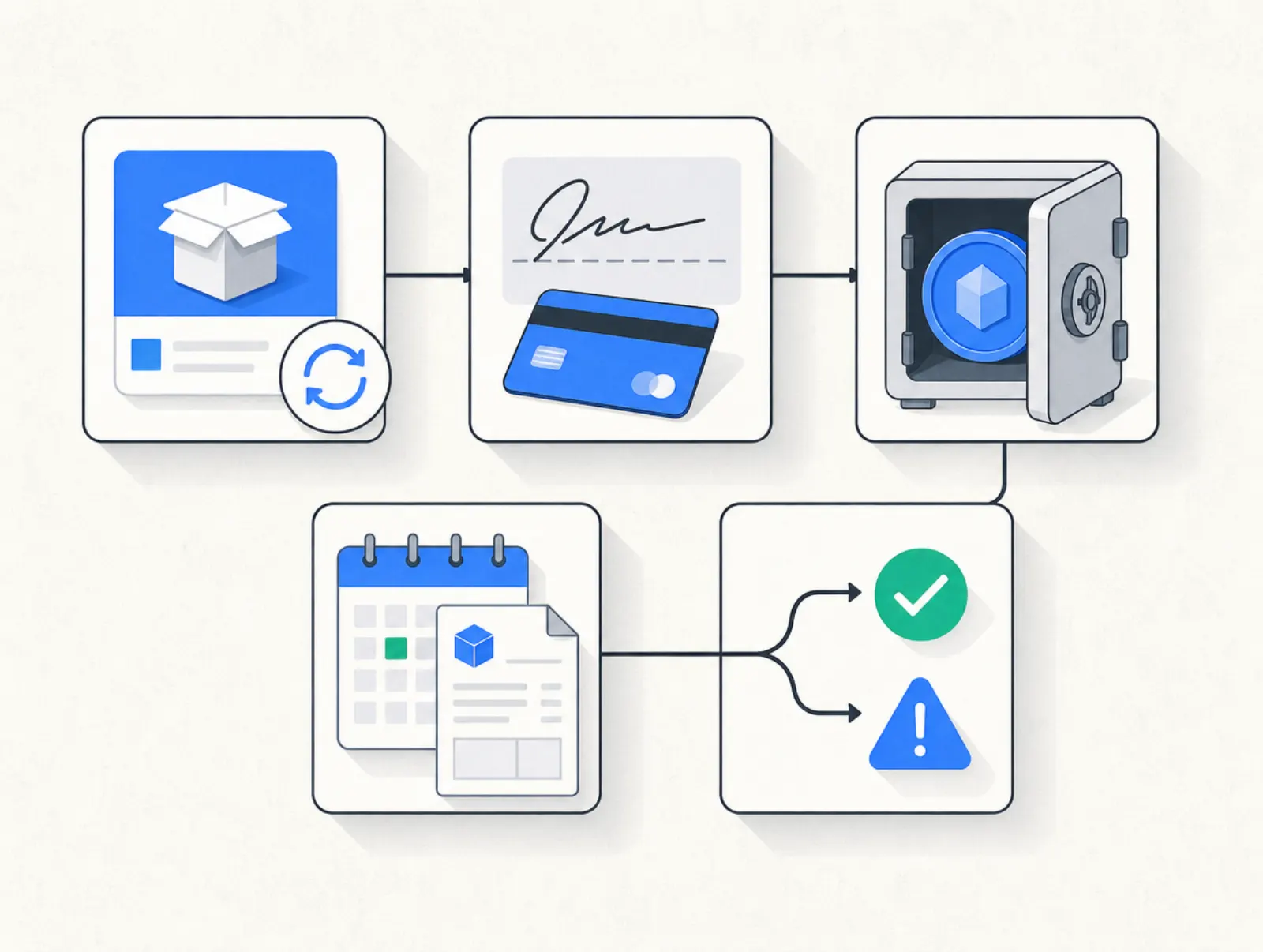
- Describe the offer. Show the amount or calculation method, billing interval, start date, trial terms, and cancellation route before signup. Make the ongoing commitment visible beside the purchase button.
- Collect authorization. Card customers consent to future charges using their saved payment method. For SEPA Direct Debit, a mandate authorizes bank debits. Keep a record of the agreement with the customer and subscription.
- Save the payment reference. Use the processor's checkout or secure payment fields. Your billing software should work with processor references instead of asking you to store customers' card details yourself.
- Run each billing cycle. The system calculates the amount due, creates the relevant billing record, and requests collection. An initiated bank debit is not the same as settled funds.
- Act on the result. Record success, send the receipt, and maintain access. A failure should trigger a recovery process; cancellation should stop future charges according to the agreed effective date.
In Mollie's recurring-payment flow, checked 8 October 2026, an initial authorized payment establishes a mandate for later collections. The first payment method and renewal method can differ: an iDEAL signup can establish a direct debit mandate for subsequent charges.
Recurring payment examples
These are hypothetical seller offers, created on 8 October 2026, rather than vendor prices or market benchmarks. The distinction to notice is whether each payment buys another service period, settles usage already incurred, or pays down a fixed purchase.
| Recurring payment example | Agreed charge | What the seller delivers | When billing ends |
|---|---|---|---|
| Creator membership | $29 each month | Monthly resources and member access | On cancellation under the terms |
| Coaching retainer | $300 each month | Two coaching sessions per month | At the agreed termination date |
| Quarterly community | $99 every three months | Community access for the quarter | On cancellation under the terms |
| Annual software plan | $240 each year | A year of software access | At the end of the final paid term |
| Usage-based software | $20 monthly base plus $0.01 per billable event | Access plus measured usage | On termination, with final usage reconciled |
| Course installment plan | Three monthly payments of $200 | A course with a fixed $600 purchase price | After the third successful payment |
Example amounts are editorial assumptions, dated 8 October 2026, and exclude tax and payment fees.
The monthly recurring payment meaning is simply a repeat charge on a monthly schedule. It does not tell you whether the customer can leave every month. A yearly commitment collected monthly and a cancel-any-month membership can have the same payment frequency but different contractual terms.
Subscription management: what happens between payments
Subscription management covers signup, plan changes, pauses, renewals, cancellation, and access permissions. Recurring payment management covers the collection side: payment methods, collection attempts, refunds, and reconciliation. You need both records to agree when a customer changes their plan.
For membership and subscription management, decide when cancellation takes effect and how long paid access continues. If a member cancels during a paid period, the billing system and membership platform should apply the same end date. Refunding a payment should also have a deliberate access policy.
Online subscription management becomes more useful when customers can update billing details and see their next charge themselves. Test the customer experience as well as the admin dashboard. A cancellation that reaches customer support but never reaches the billing system is still an operational failure.
SaaS subscription billing: seats, usage, and revenue
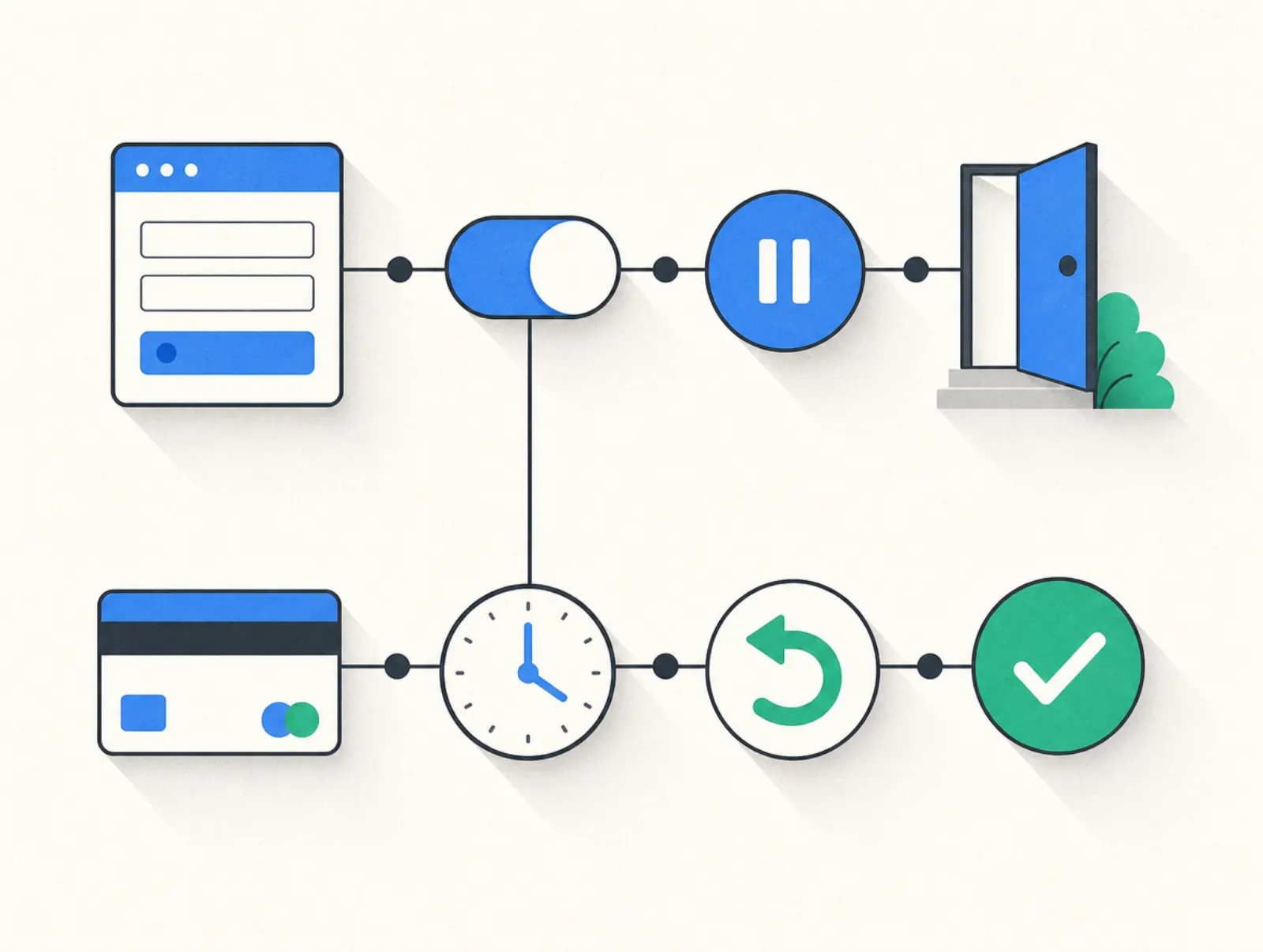
SaaS subscription billing often needs more than a fixed recurring charge. Seat changes, usage measurement, mid-cycle upgrades, credits, and account permissions all affect the next invoice. Write down your policy for each before choosing recurring billing and subscription management software.
For example, decide whether adding a seat takes effect immediately and whether the customer pays a prorated amount for the remaining period. Show the charge before confirming the change. A checkout that collects a fixed subscription does not, by itself, measure your software's usage or control its permissions.
Calculate monthly recurring revenue
A basic monthly recurring revenue calculator normalizes active subscription prices to a monthly amount. For these simplified examples, use monthly price × subscribers, quarterly price ÷ three × subscribers, or annual price ÷ twelve × subscribers. Exclude one-time purchases, finite course installments, and tax; track variable usage separately from committed subscription revenue.
| Hypothetical active subscriptions | Calculation | Monthly recurring revenue |
|---|---|---|
| 100 monthly members at $29 | 100 × $29 | $2,900 |
| 20 quarterly members at $99 | 20 × $99 ÷ 3 | $660 |
| 10 annual subscribers at $240 | 10 × $240 ÷ 12 | $200 |
| Total | $2,900 + $660 + $200 | $3,760 |
Illustrative inputs and arithmetic, dated 8 October 2026; these are not observed business results or vendor prices.
For a simple annual recurring revenue calculator, multiply that MRR by twelve: this example produces $45,120 in annualized recurring revenue. It is a run rate, not a promise of future collections or an accounting revenue figure. Report cancellations, overdue balances, and cash received separately.
How to set up automated recurring billing
Start with your offer and cancellation policy, then connect the software. To automate recurring billing reliably, run through the full customer lifecycle before inviting paying customers.
- Choose the billing model: ongoing subscription, usage billing, or fixed installments. Set the currency, billing interval, and tax treatment.
- Connect an eligible payment provider. Check its support for your business country and your chosen recurring payment method.
- Create the recurring price and checkout. Display future charges and trial conversion terms, and capture the customer's authorization.
- Connect delivery. Decide which payment or subscription event grants access, and which event removes it.
- Configure recovery and cancellation. Set reminders, retry rules, the grace period, and the route for updating payment details.
- Test each outcome. Check a purchase, renewal, decline, payment-method update, trial conversion, and cancellation. Verify both the billing record and customer access.
In Plug&Pay
Subscriptions require Premium or Ultimate and SEPA Direct Debit or credit card support. Follow Products > create a new product > Price > Subscription, set the prices, and select Next. After creation, use the Pricing tab to add quarterly billing or highlight a billing period, then save. These paths come from the subscription setup guide, checked 8 October 2026.
For a trial, open Products > your product > Pricing, select Subscription under billing cycle and Trial under discount. A free trial requires an IBAN-based SEPA mandate; a paid trial can use a card. Trials automatically renew into the subscription. See the trial setup instructions, checked 8 October 2026.
For manual cancellation, open Sales > Subscriptions > subscription number > Actions. Choose Cancelled with an end date or Ended for immediate termination, then save. Send your own confirmation: the cancellation guide, checked 8 October 2026, says this action does not email the customer.
Smart dunning and failed recurring payments
Dunning is the part of recurring billing management that follows up on unpaid bills. Smart dunning adds rules or adaptive timing to recovery, but it cannot turn every decline into a successful charge. Start by separating a temporary collection problem from a payment method that needs customer action.
For credit card processing, recurring payments can fail after the first charge succeeds. Stripe's Smart Retries documentation, checked 8 October 2026, says it chooses retry times using payment signals. Hard declines can prevent another charge until the customer provides a new payment method.
Your recovery message should identify the seller, amount due, and affected subscription, then provide a secure update or payment link. Explain whether access continues during a grace period. Stop recovery messages after payment and reconcile late payments against the original invoice so customers are not charged twice.
Plug&Pay's Ultimate debtor system is activated under Debtors > Dashboard. Its debtor-management guide, checked 8 October 2026, describes a fixed reminder sequence whose timing and message content cannot be customized. It follows up on invoices becoming unpaid after activation; it does not automatically include the existing backlog. This is reminder automation, not a documented equivalent of Stripe's adaptive retry timing.
Mistakes to avoid
- Hiding the renewal terms. A checkout should make the next charge and billing interval understandable before the buyer commits.
- Treating authorization as unlimited permission. Keep charges within the agreement, and communicate price or plan changes before they take effect.
- Confusing platform cancellation with customer cancellation. Closing your software account can have different consequences from stopping each buyer's subscription.
- Removing access after every temporary failure. Define a grace period appropriate to your service and apply it consistently.
- Running overlapping collection attempts. Check whether your processor, billing app, or both own retry scheduling.
- Assuming payment methods transfer between providers. Plug&Pay's provider-switching guidance, checked 8 October 2026, warns that mandates must be re-established when switching its payment provider.
- Counting scheduled invoices as collected revenue. Keep MRR, outstanding balances, processor settlements, and refunds separate in your reporting.
Tools that do this: choosing a recurring billing platform
A recurring billing platform should fit what you sell and what you need to manage afterward. The table compares four different approaches: a checkout platform, billing infrastructure, a payment provider, and a course platform. Processor features do not automatically appear in every connected checkout.
| Tool | Starting cost relevant to recurring payments | Payment fees | Depth and limits |
|---|---|---|---|
| Plug&Pay Premium | €59/month billed annually (€69 monthly) | No platform fee; Mollie or Stripe processing fees | Monthly, quarterly, annual subscriptions; Ultimate adds full portal controls and debtor management; course hosting is separate |
| Stripe Billing, pay as you go | No fixed recurring Billing fee | 0.7% of Billing volume, plus payment processing; US standard card rate shown is 2.9% + $0.30 | Subscription records, customer portal, Smart Retries; delivery and access require integration |
| Mollie Recurring | Standard online pricing is pay per transaction; Recurring included | Published euro SEPA Direct Debit rate: €0.35 per transaction | Mandates and scheduled collections; requires an API integration or compatible partner, not a standalone subscription manager in the web app |
| Kajabi Basic | $179/month, or $143/month equivalent billed annually | US Kajabi Payments: 2.9% + $0.30, plus 0.7% for recurring transactions | Course delivery and subscriptions together; Basic has five products; payment costs depend on provider and country |
Prices taken from plugandpay.com/pricing, stripe.com/billing/pricing, mollie.com/pricing, and kajabi.com/pricing on 10 October 2026. Kajabi's recurring surcharge comes from its US payment-fee guide, fetched the same day. Country, currency, and additional services can change the total.
How we checked: public vendor pricing, help-center documentation, and two Trustpilot reviews. This is a documentation-based guide, not a hands-on payment-recovery benchmark. Plug&Pay publishes this article.
Plug&Pay's plan prices are shown below.
| Plug&Pay plan | Monthly | Billed annually, per month | Recurring-payment relevance |
|---|---|---|---|
| Lite | €25 | €15 | No subscriptions |
| Premium | €69 | €59 | Subscriptions |
| Ultimate | €149 | €119 | Subscriptions, debtor system, customer portal |
Prices taken from plugandpay.com/pricing on 10 October 2026.
Plug&Pay adds no transaction fee of its own; you pay the subscription and your payment provider's processing fees (Mollie or Stripe).
For full self-service subscription controls, Plug&Pay lists Ultimate under Settings > Customer portal in its portal guide, re-checked 10 October 2026. Budget for that tier if customers need to cancel or change their billing cycle themselves.
For broader selection criteria, see our checkout software comparison. Course sellers can also review the Kajabi plan and fee breakdown.
Trial and cancellation terms
Plug&Pay offers a 14-day software trial; cancel within it to avoid the first charge. Its pricing FAQ ties cancellation to the selected monthly or annual term. These seller-account terms were re-checked on its pricing page on 10 October 2026 and are unchanged; they are separate from trials you offer customers.
Kajabi's standard trial is 14 days, with the signup offer determining the actual end date. Its account-cancellation guide says access ends after the current billing or trial period, but customers' subscriptions keep charging unless separately canceled. Both re-checked 10 October 2026.
Stripe Billing's quoted plan is usage-priced; customer trial offers and immediate or scheduled cancellation are configurable. Mollie's standard online pricing has no lock-in contract; its recurring setup requires an integration, and its cancellation API stops a subscription without revoking the customer's mandate. No timed seller software trial is advertised on either quoted pricing page. Re-checked 10 October 2026.
Two seller perspectives
On Trustpilot, Evd, 9 January 2026, described Plug&Pay as "very easy to use and very efficient". Angelique Schreurs, review posted 2 November 2025, noted: "But you still need email software and for courses a course platform." Both excerpts were checked on the Plug&Pay Trustpilot profile on 8 October 2026. These are individual experiences, not evidence of a payment-recovery rate.
Related reading
FAQ
What does recurring payment mean on a bank statement?
It generally means a merchant collected a repeat charge under an existing agreement. Match the merchant descriptor and amount to your subscription records; an unfamiliar charge should be checked with the seller and your bank rather than assumed to be valid.
What are recurring payments compared with subscriptions?
Recurring payments are repeated collections, while a subscription is the ongoing agreement for a product or service. Subscriptions commonly use recurring payments, but a fixed installment purchase can also use automatic repeat collections without being an open-ended subscription.
What is the recurring payment meaning for a seller?
It means you collect later charges using the customer's prior authorization instead of asking them to complete checkout for every renewal. You still need to manage the agreement, delivery, failed payments, and cancellations; automated collection handles only part of that work.
What is the difference between a recurring payment definition and a recurring payment plan?
The definition describes the mechanism: authorized repeat collection. A recurring payment plan sets the practical terms, including the amount, interval, first charge, duration, and cancellation conditions. State whether the plan renews indefinitely or stops after a fixed number of payments.
What should a recurring payment system include?
Look for authorization records, supported payment methods, scheduling, invoices, failure handling, and cancellation controls. Digital subscription management also needs a dependable connection to customer access, so a paid, overdue, or ended subscription produces the intended service status.
Can you accept recurring payments with no fee?
Some tools have no monthly software charge or no separate recurring-feature charge, but payment processing still costs money. Mollie's pricing table above is one example: the recurring feature is included, while collections are charged. Compare software, processing, recovery, and delivery costs before treating an offer as free.