
Guides
Ecommerce checkout solutions: digital product tools (2026)
Compare eight ecommerce checkout solutions for digital products, with verified pricing, platform fees, payment methods, tax handling, and practical tradeoffs.

Ecommerce checkout solutions: digital product tools (2026)
The ecommerce checkout solutions worth shortlisting depend on what happens after payment: Payhip for downloads with a small starting budget, SamCart Pro for course sellers building upsell funnels, and Stripe Checkout for teams with their own delivery system. We compared price, fees, payment custody, features, and seller fit. Prices checked 8 October 2026.
By Seph Fontane Pennock. Published and updated 8 October 2026.
How to choose checkout software
Delivery: what does the buyer receive? A payment confirmation is not a download link or a course login. Decide whether the checkout must store files, enroll students, issue software licenses, or trigger another service. Test that delivery step before comparing templates.
Total cost: which plan supports your offer? Start with the tier that includes your required features, then add platform fees, payment processing, and paid extensions. A plan without subscriptions cannot be your membership budget. Compare annual commitments with monthly billing separately.
Payment custody: who pays you? With your own processor account, payout timing follows that provider's terms. A merchant of record sells to the customer and pays you afterward. Ask about settlement timing, reserves, refunds, and what happens to existing subscriptions when you leave.
Taxes: calculation or remittance? A checkout can calculate tax without filing or paying it for you. Compare the actual service: VAT invoices, tax calculation, remittance for specified regions, or merchant-of-record coverage. These are different jobs, even when a feature list labels them all tax support.
Payment methods: will your buyer's preferred option appear? Check the specific integration, seller country, transaction currency, and recurring-payment support. A processor offering a wallet does not mean every platform connected to that processor exposes it. Test on an eligible phone as well as a desktop.
Exit: can you leave without interrupting access? Check cancellation timing, customer exports, recurring billing ownership, and delivery dependencies. Keep the old checkout running until a test purchase on the replacement creates the right receipt, access permissions, and renewal record.
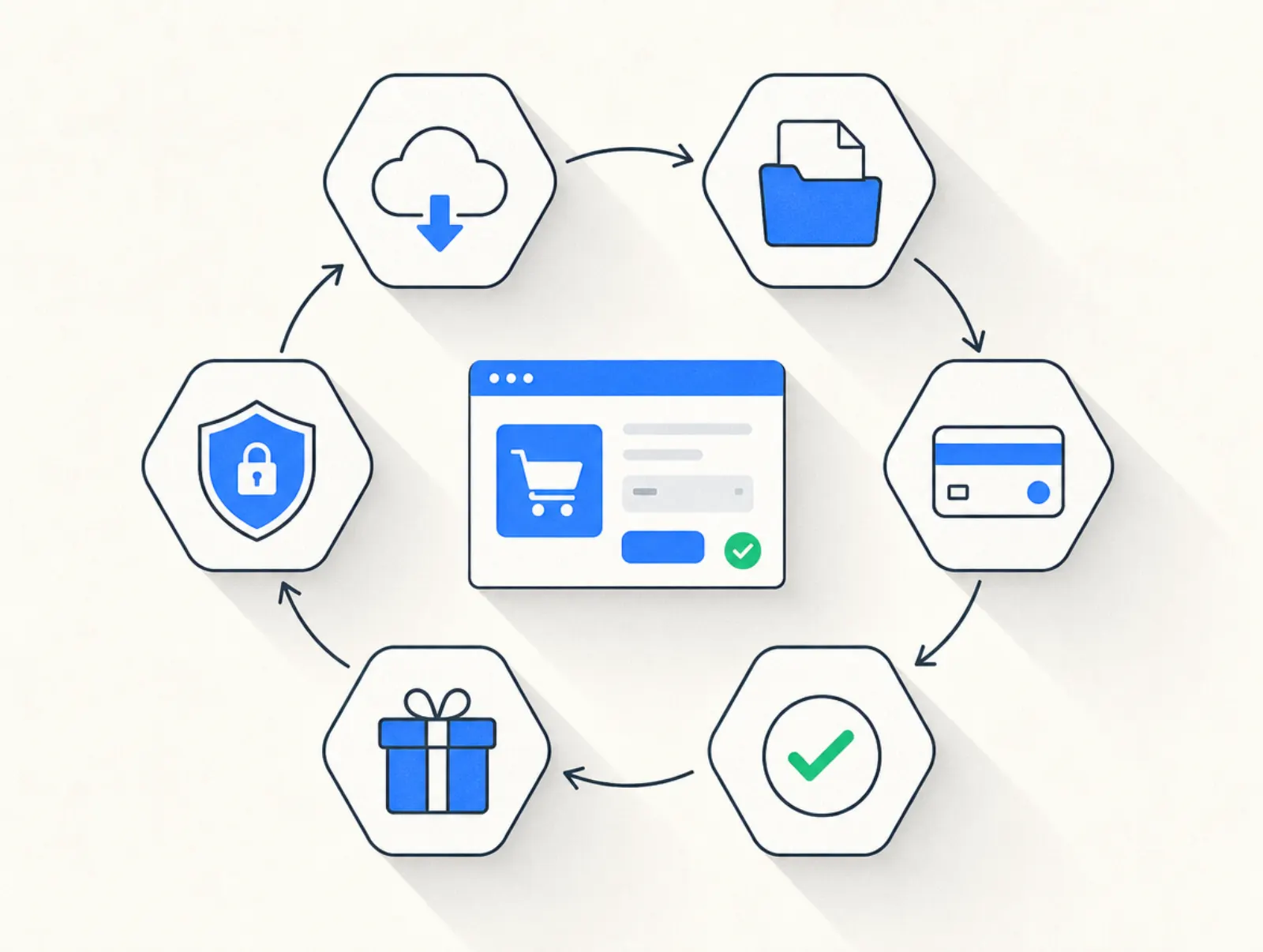
The best ecommerce checkout solutions at a glance
These are digital-product tools, not inventory-management systems. Annual prices below are monthly equivalents unless an annual total is shown. Features may require the higher tier named in the cell. Payment methods depend on eligibility; tax calculation does not imply remittance.
| Tool | Best for | Price from, annual billing | Platform fee | Payment custody | Delivery | Subscriptions | Add-on offers | Affiliates | EU VAT | Payment methods | Main limitation |
|---|---|---|---|---|---|---|---|---|---|---|---|
| Payhip | First downloads | $0; paid plans billed monthly | 5% Free; 2% Plus; 0% Pro | Connected processor | Files and courses | Eligible products via Stripe | Cross-sells | Yes | Collects and remits digital EU/UK VAT | Cards, PayPal; gateway-dependent options | Recurring billing has product restrictions |
| SamCart | Course funnels | Core $710/year | No added fee on SamPay, Stripe, PayPal | Connected processor | Courses app | Yes | Bumps and upsells on Pro | Pro | Calculation | Cards, wallets, PayPal; processor-dependent | Pro required for funnel features |
| ThriveCart | Courses plus checkout | $37/month, $444/year Starter bundle | Integration-specific; see fee table | Connected processor | Academy | Yes | Bumps and upsells | Pro+ | Calculation; surcharge can apply | Cards, PayPal; integration-dependent | Legacy Stripe fee and add-on charges |
| Stripe Checkout | Existing delivery stack | No monthly Checkout fee | Checkout included; processing extra | Your Stripe account | External | Stripe Billing | Configurable cross-sells | External | Stripe Tax, separately priced | Cards, Apple Pay, Google Pay, Link, local methods | Delivery and affiliate tools are separate |
| Plug&Pay | EU-focused funnels | €15/month billed annually (€25 monthly) | No platform fee; Mollie or Stripe processing fees | Your Mollie or Stripe account | External course host | Premium | Bumps Lite; upsells Premium | Ultimate | Native calculation and reverse charge | Stripe: cards and euro local methods; Mollie: more options | No US sales tax, embeds, or course hosting |
| Podia | Courses and community | Mover $42/month | 5% Mover; 0% Shaker/Earthquaker | Connected processor | Courses and files | Yes | Upsells from Shaker | Shaker | Collection; seller remits | Stripe; PayPal from Shaker | Cancellation ends student access |
| Gumroad | Downloads with merchant-of-record service | No monthly fee | Standard direct: 10% + $0.50 plus processing; Discover: 30% inclusive | Gumroad-managed payouts; connected-account exceptions | Files and memberships | Yes | Upsells | Yes | Merchant of record | Cards, PayPal where available | Direct-sale fees add up |
| Lemon Squeezy | Software and licensed downloads | No monthly ecommerce fee | Base 5% + $0.50; surcharges apply | Lemon Squeezy payouts | Files and license keys | Yes | Bundles and upsells | Yes, extra fee | Merchant of record | Cards, PayPal, wallets; recurring subset | Approval and payout waiting period |
Prices taken from payhip.com/pricing, samcart.com/pricing, stripe.com/pricing, plugandpay.com/pricing, podia.com/pricing, gumroad.com/pricing, and lemonsqueezy.com/pricing on 8 October 2026. SamCart's annual total comes from its plan guide; ThriveCart's bundle price from its Academy help center, both fetched the same day. ThriveCart's /pricing/ redirected to sign-in, so it could not supply a public price table.
How we checked: vendor pricing and help-center documentation, plus two individual Trustpilot reviews. This is a documented comparison, not a hands-on conversion benchmark. Plug&Pay publishes this guide; each entry includes its limitations.
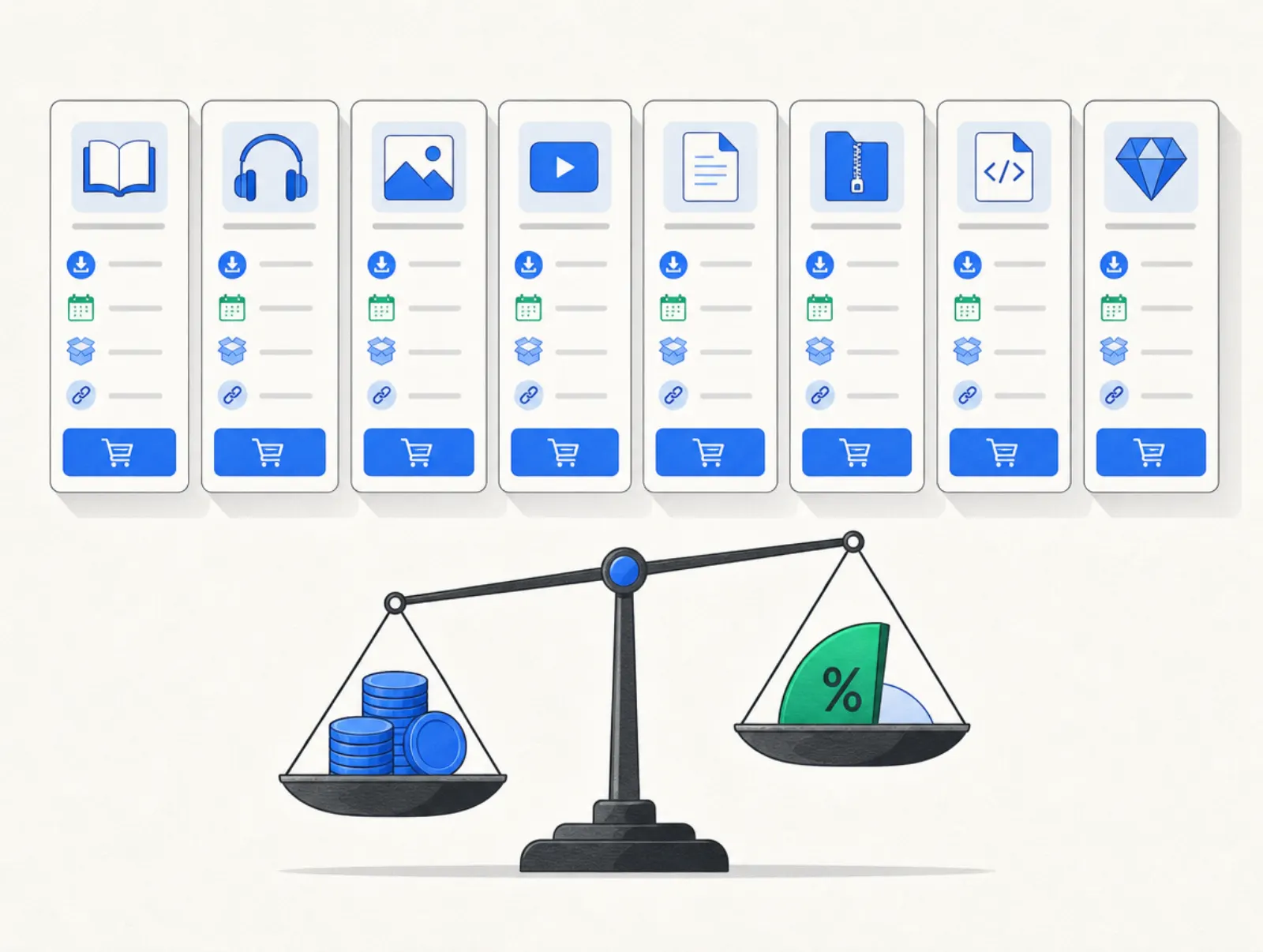
Payhip: online checkout software for a first download
Payhip combines a storefront, checkout, and digital delivery. It suits a creator selling templates or ebooks who wants the purchase and file delivery handled together. Its free plan includes the same feature set as paid plans, so upgrading primarily changes the fee calculation.
Free Forever costs $0 per month plus 5%; Plus costs $29 per month plus 2%; Pro costs $99 per month with no Payhip transaction fee. Processor charges remain separate. Prices and fees checked on Payhip's pricing page, 8 October 2026.
The practical strengths are built-in delivery and digital EU/UK VAT remittance. Its cross-selling tools can add another relevant product to the purchase, although permitted combinations vary by product type.
Watch the recurring-payment restrictions: subscriptions require Stripe and are limited to bundles, memberships, courses, and coaching. A standalone download needs the appropriate product structure. There is a permanent free plan instead of a timed trial; paid plans can be canceled in Payment Details. Best for testing a catalog before taking on fixed software costs.
SamCart: a checkout platform for course funnels
SamCart combines sales pages, recurring payments, and a Courses app. Its strongest fit is a seller whose offer already has a logical follow-up purchase: a course with coaching, for example. That makes the Pro tier more relevant than the entry price for most buyers comparing SamCart.
Core costs $79 monthly or $710 annually; Pro costs $199 monthly or $1,790 annually. SamPay, Stripe, and PayPal carry no additional platform fee under the current plan guide, but processing remains payable. Prices and fees: SamCart plan guide, fetched 8 October 2026.
Pro adds order bumps, one-click upsells, A/B testing, and affiliate management. The main compromises are the higher tier needed for those features and the need to configure tax collection yourself.
The trial lasts seven days. Cancellation is self-serve, but customer billing behaves differently by processor and subscription type. Check that dependency before migrating.
“there was definitely a learning curve” is how Jessie Stuart described setup in a Trustpilot review published 13 May 2026, while praising the support team's patience. That is one customer's experience, not a measured onboarding result.
ThriveCart: Checkout and course delivery with fee caveats
ThriveCart now offers subscription bundles alongside its lifetime history. Academy brings course and community delivery into the same buying decision. The Starter bundle includes ThriveCart Standard; Growth includes Pro+, so compare the full bundle against the checkout features you actually need.
Starter is $47 monthly or $444 annually; Growth is $87 monthly or $804 annually. Prices taken from the Academy pricing help article on 8 October 2026. The vendor's July pricing announcement advertises a 30-day trial.
Its appeal is combining checkout offers, recurring payments, and learning content. The weakness is fee complexity: a lifetime license does not mean payment-related charges disappear. The help center currently lists these charges:
| Charge | Published rate and scope |
|---|---|
| External platform fee | 0.5% on Stripe Legacy/Enhanced transactions from 8 October 2026; not Connect+ |
| Stripe Billing | 0.7% on recurring charges |
| Radar and Adaptive Acceptance | $0.07 per transaction and 0.08%, respectively, where applicable |
| Tax surcharge | 0.5% Standard; 0.35% for Pro+ accounts created after May 1, 2026 |
| Subscription-bump automation | 0.25% lifetime Standard/Pro; 0.10% Standard subscription; 0% Pro+ |
Fees taken from ThriveCart's application-fee guide and bump-product guide on 8 October 2026. Payment processing is additional where not already consolidated into the application-fee line.
“Using the support email someone assisted in good time.” Patti, Trustpilot, 17 July 2026, after reporting that the feedback tab had not helped. We could not verify a universal seller-plan cancellation procedure; request the applicable terms before the trial ends.
Stripe Checkout: a website checkout system for an existing stack
Stripe Checkout is a payment interface that can be hosted or embedded. Its documentation covers one-time and subscription payments; product delivery remains your application's job. That is a good fit when you already have a site, customer accounts, and a way to grant access.
Checkout is included in standard Payments pricing without a monthly Checkout subscription. The US domestic-card rate is 2.9% + $0.30; international cards and currency conversion can add fees. Prices taken from Stripe's pricing page on 8 October 2026. Billing and Tax are separately priced services, so the card rate is not your complete recurring-sales budget.
The strengths are wallet support and integration flexibility. Stripe Checkout supports Apple Pay, Google Pay, and Link directly, subject to customer eligibility. It does not provide a course library or affiliate program by itself, and connecting payment events to delivery requires setup.
Use test mode instead of a time-limited software trial. Before closing a Stripe account, export records, resolve pending issues, and pay out balances. Best for teams comfortable owning the steps around payment.
Plug&Pay: hosted checkout solutions for EU-focused sellers
Plug&Pay handles hosted checkout pages and funnels while your payment provider processes the charge. Its native OSS settings and VAT-ID validation are useful for European sales. It calculates VAT; it is not a merchant of record.
Plug&Pay's plans are priced as follows, excluding VAT:
| Plan | Monthly | Billed annually, per month | Annual total |
|---|---|---|---|
| Lite | €25 | €15 | €180 |
| Premium | €69 | €59 | €708 |
| Ultimate | €149 | €119 | €1,428 |
Prices taken from plugandpay.com/pricing on 10 October 2026. Plug&Pay adds no transaction fee of its own; you pay the subscription and your payment provider's processing fees (Mollie or Stripe).
Lite includes bumps; Premium adds upsells, subscriptions, and A/B testing; Ultimate adds affiliates and the customer portal. The tradeoffs are no course hosting, checkout embedding, or US sales tax calculation. Stripe integration methods exclude Apple Pay, Google Pay, and Link; Mollie adds options including Apple Pay and PayPal.
The trial is 14 days. Cancel before it ends to avoid the initial charge; paid subscriptions renew monthly or annually. Best for sellers keeping their course host while adding checkout control.
Podia: Checkout with a teaching business attached
Podia combines checkout with courses, downloads, coaching, a website, and community. It fits a creator who wants fewer separate systems to maintain. A purchase and the content it grants live within the same platform, which simplifies the delivery decision.
Mover costs $42 per month billed annually, plus a 5% platform fee. Shaker costs $84 and Earthquaker $150 per month billed annually, both without a Podia transaction fee. Processor charges are separate. Prices and fees taken from Podia's pricing page on 8 October 2026.
Shaker adds upsells, affiliates, and PayPal. That tier distinction matters if those are the reasons you want new checkout software. Podia can collect tax, but does not file or remit it for you.
The trial runs for 14 days without a card. Canceling the seller subscription ends customer access and recurring plans when cancellation takes effect. Export and move content first. Best for an integrated teaching business; less attractive when you already have a host. Our Kajabi pricing breakdown explores the costs of another full creator platform.
Gumroad: downloads with merchant-of-record coverage
Gumroad combines digital delivery and memberships with merchant-of-record tax handling. It suits a seller who wants a downloadable product live fast without committing to a monthly software bill. Its marketplace is a separate acquisition channel with a different fee.
There is no monthly fee. Standard direct sales cost 10% + $0.50 before separate card processing of 2.9% + $0.30 or PayPal fees. Discover sales cost 30%, including processing. Prices and fees: Gumroad pricing and fee documentation, fetched 8 October 2026.
The fee guide also lists a lower direct-sale percentage after a monthly sales threshold, detailed below. That prevents treating the standard rate as universal. The main tradeoffs are the share of revenue on direct sales and reliance on Gumroad's payout arrangements, which vary by country and connection type.
There is no timed seller-plan trial or monthly ecommerce subscription to cancel. Existing customer memberships still need attention: deleting a tier does not stop billing. Best for straightforward downloads or memberships where managed transaction-tax handling is worth the ongoing fee.
Lemon Squeezy: software subscriptions and licensed downloads
Lemon Squeezy combines checkout, subscriptions, files, and license keys with merchant-of-record service. Its best fit is software or a downloadable product needing license management. That is a narrower, more specific advantage than just another payment page.
There is no monthly ecommerce charge; the base transaction fee is 5% + $0.50. The fee documentation adds 1.5% for international transactions, 1.5% for PayPal, and 0.5% for subscriptions. Affiliate-referred orders add a separate 3% merchant affiliate fee. Fees apply to the total order value, including tax; payout charges may also apply. Prices and fees checked against those pages and Lemon Squeezy pricing, 8 October 2026.
License delivery and managed transaction taxes are the strengths. The tradeoffs are store approval and delayed access to proceeds. Its payout guide describes twice-monthly payout creation and a 13-day holding period.
You can build in test mode; there is no timed ecommerce trial. Customer subscriptions can be canceled through the billing portal. Store closure is a separate matter, and we could not verify a public closure procedure. Best for software sellers who accept payout delays in exchange for those services.
Free options and what they cost you
Payhip, Gumroad, and Lemon Squeezy let you start without a monthly ecommerce subscription. Stripe Checkout has no separate monthly Checkout charge under standard pricing. Each still has transaction costs, and Stripe requires a delivery workflow around the payment.
Payhip's upgrade decision is unusually easy to calculate because its plans share features:
| Comparison | Monthly sales where platform costs match | Calculation |
|---|---|---|
| Free versus Plus | About $966.67 | $29 divided by the 3-percentage-point fee difference |
| Plus versus Pro | $3,500 | $70 subscription difference divided by 2% |
Prices taken from payhip.com/pricing on 8 October 2026. Thresholds are our arithmetic using the published monthly subscriptions and platform percentages, excluding processor fees, taxes, refunds, and other services. Above each threshold, the higher plan costs less on these assumptions.
Gumroad's fee guide says that after paid sales reach $20,000 in a calendar month, subsequent direct sales that month drop to 5% + $0.50 before processing; the threshold resets monthly. This does not change Discover's rate. Source: Gumroad's fee guide, fetched 8 October 2026.
Use your actual order value, geography, payment method, and subscription mix. A headline rate alone will miss fixed charges, international surcharges, and the cost of collecting recurring payments.
Our picks by situation
- Course seller: SamCart Pro for checkout offers plus course delivery; Podia when community and the website belong in the same system.
- Coach: Plug&Pay Premium if you already deliver sessions elsewhere and want payment plans; Podia when content and community also matter.
- Digital downloads: Payhip for a small initial budget; Gumroad when merchant-of-record coverage is central to the decision.
- Memberships: Compare failed-payment recovery, cancellation behavior, and access control across SamCart, Podia, and Lemon Squeezy before comparing page design.
- High-ticket offers: Shortlist SamCart Pro, ThriveCart, and Plug&Pay Premium, then test installment billing and the consequences of a missed payment.
- EU-focused seller: Plug&Pay for native VAT calculation with your own processor; Payhip for digital EU/UK VAT remittance; Lemon Squeezy for merchant-of-record handling.
- US seller who wants wallets: Stripe Checkout or SamCart, subject to processor eligibility. Plug&Pay's Stripe integration does not expose those wallets.
If the decision expands from checkout to replacing your course, email, and website stack, compare that broader budget using our guide to Kajabi plans and fees. Buying a complete platform makes sense only when you will use the attached services.
FAQ
What is a checkout app for digital products?
A checkout app collects order information and payment, then confirms the purchase. Some also deliver files or enroll students, while others send a payment event to another service. Check that final step: accepting money and delivering the product are separate capabilities.
How do online checkout solutions differ from payment gateways?
Online checkout solutions provide the page, order summary, and buying flow the customer sees, while a payment gateway or processor handles authorization and settlement behind that flow. A merchant-of-record service takes a different commercial role again, selling to the buyer and handling transaction taxes within its service.
What should a checkout system include for subscriptions?
A checkout system needs recurring billing, a way to update payment details, failed-payment handling, and clear cancellation controls. It also needs to tell your delivery platform when access should start or stop. Test renewals and failed payments as carefully as the initial purchase.
Can I add a checkout solution to an existing website?
Yes: link a purchase button to a hosted checkout or use a supported embedded integration. Stripe Checkout supports both approaches, while Plug&Pay uses hosted pages. Keep the product name, branding, total price, and return path consistent so buyers recognize where they are paying.
Does an online checkout system deliver digital products automatically?
Only if it includes delivery or is connected to a delivery service. Payhip and Podia combine payment with content delivery; Stripe Checkout needs an external workflow. Before choosing an ecommerce checkout solution, test a successful payment, a failed payment, and a refund to see what happens to customer access.
What creates the best ecommerce checkout experience?
The best ecommerce checkout experience makes the total cost, payment schedule, and next step obvious. Ask only for information the sale needs, support relevant payment methods, and make errors easy to correct on mobile. For digital products, a working download or login immediately after payment matters as much as the form itself.