
Guides
Payment links: how to create a hosted payment page
Learn how payment links and hosted payment pages work, create your first checkout, compare fees, and sell services, courses, or subscriptions without a store.
Payment links: how to create a hosted payment page
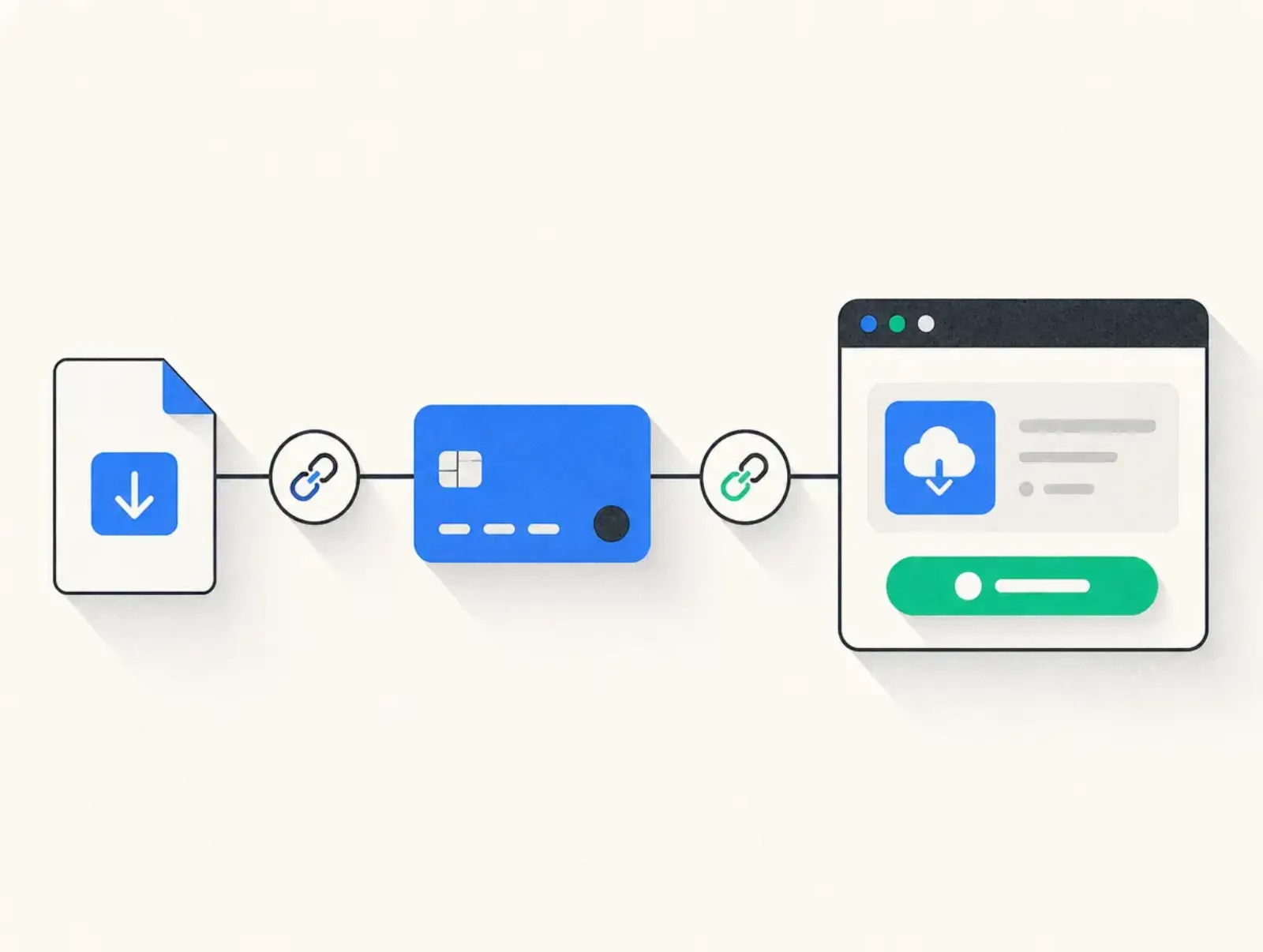
Payment links are shareable URLs that take customers to a checkout where they can pay for a product, service, or subscription. You create the offer, configure its payment page, and share the address. This guide covers setup, business examples, provider fees, and what to check before sending your first link.
By Seph Fontane Pennock. Published 8 October 2026. Updated 10 October 2026.
What is a hosted payment page?
A hosted payment page is a checkout operated by a payment provider or checkout platform, where customers review an order and submit payment details. Your payment link opens that page. You can send the link directly or attach it to a website button without building the payment form yourself.
The link and the page serve different purposes. The link gets someone to checkout; the page explains the purchase and collects the information needed to pay. A payment page is the broader term: it can be hosted externally or built into a website.
Stripe Payment Links opens a Stripe-hosted checkout. Mollie's payment links open its checkout using eligible methods on the merchant's account. With Plug&Pay, every checkout is a hosted payment page, with Stripe or Mollie connected underneath to process payments. See Stripe's Payment Links overview and Plug&Pay's getting-started guide, checked 8 October 2026.
Hosting also differs from branding. A checkout can use your own domain while still being operated by an external platform. Decide who should maintain the checkout and which features you need before deciding what its address should look like.
How payment links work
- You define the offer. Give the product a clear name, set the currency and amount, and choose a one-time or recurring charge where supported.
- The platform creates a checkout address. Some links accept repeated purchases; others request one payment and then stop working.
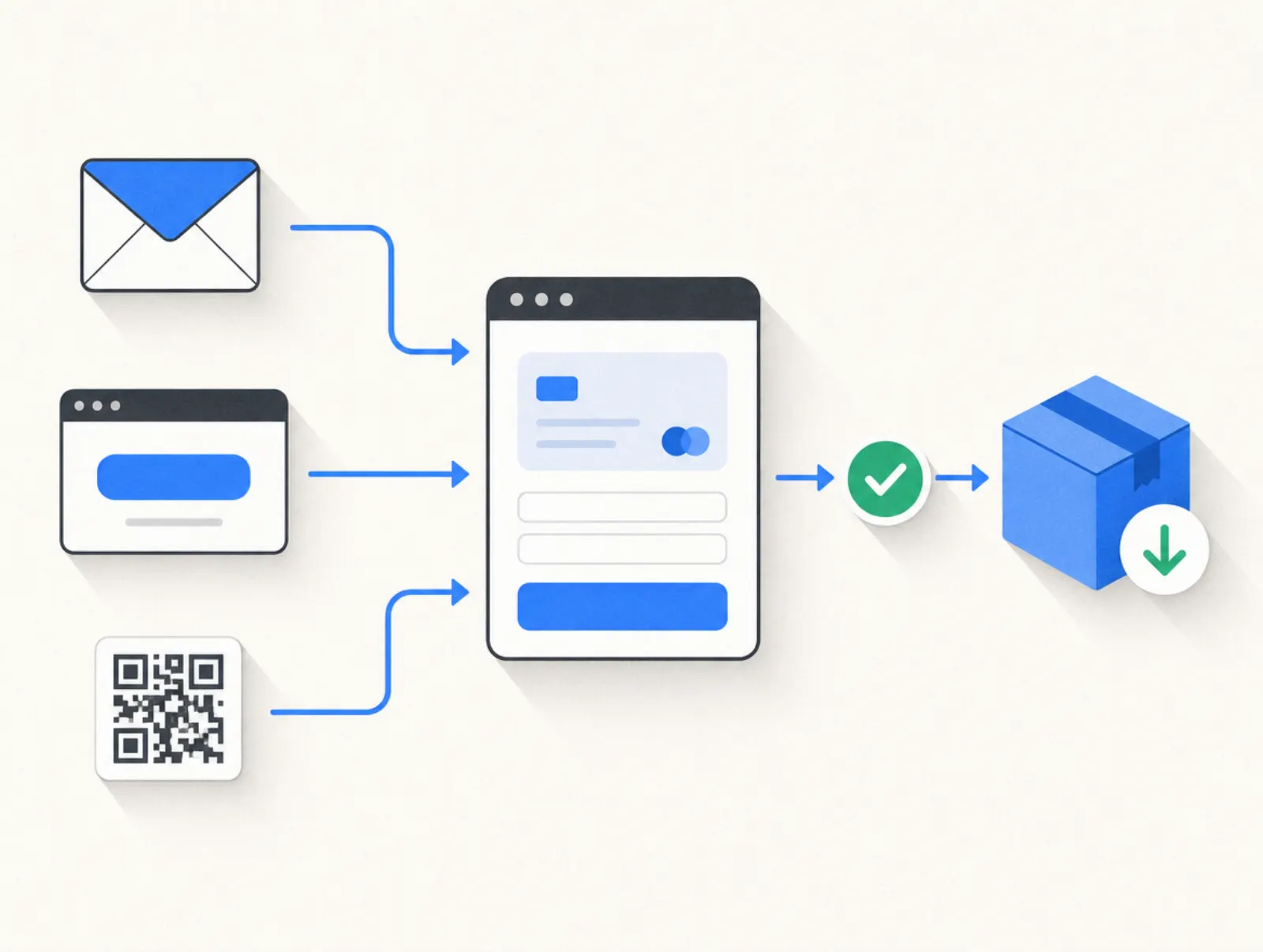
- You share that address. Put it in an email, message, website button, or QR code. These are different routes to the same checkout.
- The customer reviews and pays. The checkout presents the order and available payment methods. Authentication or a bank redirect may be part of the payment.
- You confirm payment and deliver. Check the recorded payment status, then send the download, booking instructions, or access details. A click on the link alone is not a sale.
Choose the link's lifecycle deliberately. A public product offer usually needs a reusable link. A private balance request may need a single-use link with an expiration date. Mollie's payment-link instructions distinguish ordinary requests from reusable links, checked 8 October 2026.
Keep payment confirmation separate from fulfillment. A checkout receipt can confirm a purchase while a connected delivery system supplies the product. Test both steps, including what happens when payment fails or remains pending.
Examples: a payment link for business
Use a payment link for business when the buyer already understands the offer or when a short checkout can explain it. A consultant following up after a call needs a different page from a creator selling a download to strangers.
These are hypothetical offer prices, created for this guide on 8 October 2026. They are not vendor prices or revenue benchmarks.
| Business example | Illustrative offer | Where to share it | What the payment page must explain |
|---|---|---|---|
| Downloadable workbook | $29 once | Newsletter or profile link | File format, contents, and delivery method |
| Short course | $49, with an optional $19 workbook | Course sales page | Course access, separate workbook price, and support contact |
| Consulting session | $250 once | Follow-up email | Session length, scheduling process, and rescheduling terms |
| Coaching deposit | $200 toward a $1,000 package | Accepted proposal | Remaining $800 balance and when it becomes due |
| Membership | $99 each quarter | Membership landing page | Renewal frequency, included access, and how to cancel |
A deposit link does not automatically arrange collection of the balance. Document that next step before accepting the deposit. Likewise, a subscription link needs an actual recurring billing configuration; writing “quarterly” in a product description does not create one.
An optional extra should be useful on its own and clearly priced. Our order bump guide explains how to present that additional purchase without confusing it with the main offer.
How to create a payment link
Start with the offer and the delivery process, then choose a tool that supports both. You do not need a full storefront for a single checkout, but you do need an account eligible to accept your type of business and payments.
- Set up the merchant account. Complete the provider's onboarding and connect the payout account. Drafting a checkout is different from being approved to take live payments.
- Create the product or payment request. Enter its name, amount, currency, and billing frequency. For a deposit, state the total commitment as well as today's charge.
- Configure the page. Add a short description, recognizable business identity, support contact, and relevant purchase terms. Ask only for information you need to fulfill the order.
- Configure delivery. Decide what appears after payment and what arrives by email. Connect your delivery tool or define a manual process you can reliably maintain.
- Test the complete purchase. Use the provider's testing facilities where available. Check mobile display, totals, confirmation messages, and delivery before switching to live mode.
- Publish and copy the link. Open it while signed out, confirm that it is the live version, then add it to your sales channel. Keep a record of where you shared it so you can replace or retire it later.
Give each checkout a name that makes sense in your own records. “October workshop” is easier to reconcile than “Payment 3.” If you change the offer behind an existing URL, review the emails and posts that still point to it: they may describe the old terms.
In Plug&Pay
For a basic one-time checkout, Lite is sufficient within its product and page limits. Premium adds subscriptions, installment payments, and one-click upsells. Ultimate adds the affiliate system and customer portal. The plan table further down this guide records the live pricing-page labels checked on 8 October 2026.
The following paths retain the exact Dutch labels from the help center, with English translations:
- Open Instellingen > Gegevens (Settings > Details), enter your business information, and connect Stripe or Mollie.
- Open Producten > Product aanmaken (Products > Create product). Set the product name, price, and billing type.
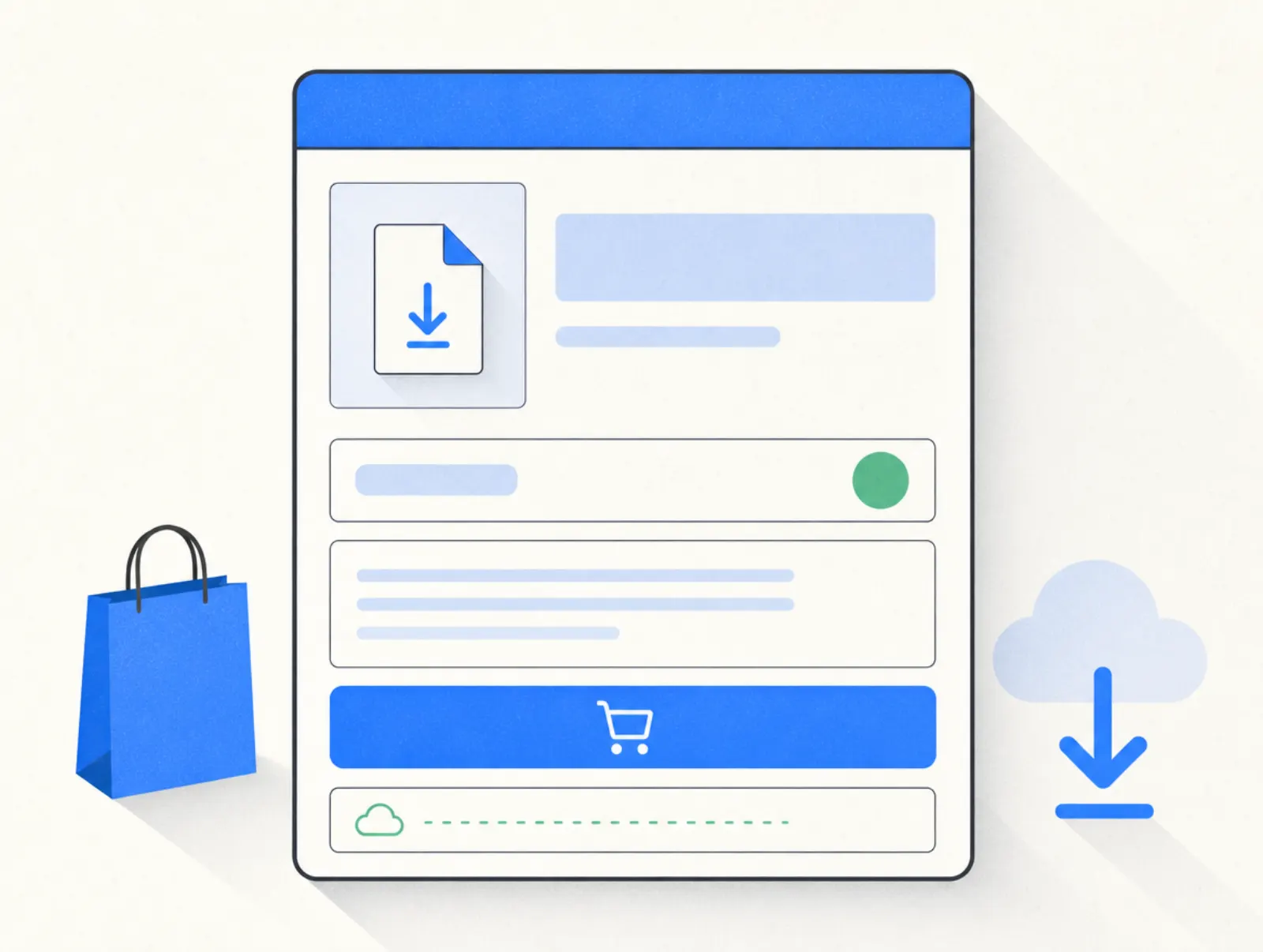
- Open Pagina's > Betaalpagina's > Betaalpagina aanmaken (Pages > Payment pages > Create payment page). Select your product, name the page, choose a template and brand style, then select Volgende (Next).
- Complete Algemeen (General) and Inhoud (Content). Review the offer text and the page's active status.
- Place a test order. Before launch, switch off test mode and confirm that the provider connection and payment methods are active.
- Open the payment page's Algemeen > URL settings. Copy the address and share it or attach it to your website button.
Paths checked 8 October 2026 against the checkout creation instructions, launch checklist, and URL-sharing instructions.
In Stripe, Mollie, or PayPal
Stripe's path is Payment Links > +New, followed by selecting or adding a product and choosing Create link. Mollie's dashboard uses Payment links > Create, where you enter the description, amount, and expiration settings. PayPal's help center directs business users to its Pay Links and Buttons builder, where they enter the offer and generate the link.
Sources checked 8 October 2026: Stripe setup, Mollie setup, and PayPal setup.
Best practices for online payment pages
- Match the promise to the checkout. Repeat the product name and inclusions from the email or sales page. A different name at payment creates an avoidable question.
- Make the charge unambiguous. Show the currency, today's total, and any recurring commitment. Explain whether an amount is a deposit or the full purchase price.
- Test the methods customers will actually see. Availability depends on the provider, integration, currency, and buyer's device. A processor's general feature list does not describe every connected checkout.
- Check the mobile journey. Open the link from the actual message or profile where you plan to share it. Confirm that descriptions, required fields, and the payment button remain usable.
- Deliver after confirmed payment. Check that a failed or pending payment does not accidentally trigger the same access email as a completed purchase.
- Plan how to retire an offer. Remove outdated links from campaigns and close the checkout when the offer ends. For subscriptions, separately manage existing customers' billing.
- Keep sensitive details out of the URL. Use the checkout's customer fields for order information instead of putting personal details into a link that can be forwarded.
For page-level decisions, our checkout software comparison covers the wider difference between collecting a payment and managing a sales process.
Tools that create hosted payment pages
The table compares direct payment-link products with a checkout platform. Rates are specific to the listed region and payment type, so the percentages are not a universal ranking. International cards, currency conversion, subscriptions, and optional services can change the bill.
| Tool | Starting platform cost | Payment fees shown by vendor | Useful depth | Limits to check |
|---|---|---|---|---|
| Stripe Payment Links | No monthly fee on standard Payments pricing | US domestic cards: 2.9% + $0.30 | Product and subscription links; hosted checkout | Billing fees apply to recurring payments; delivery needs configuring |
| Mollie Payment Links | No separate link-creation charge | Displayed euro rate for EEA consumer Visa/Mastercard: 1.80% + €0.25 | Payment requests, expiry settings, QR codes | Standard requests stop after payment; its direct payment-link help excludes Klarna |
| PayPal Payment Links | No setup or monthly fee | Product page lists US cards at 2.99% + $0.10; fee schedule differs, see below | Hosted product or service checkout; QR sharing | Confirm applicable fees and account eligibility; creating a link does not arrange fulfillment |
| Plug&Pay | €15/month billed annually (€25 monthly) | No platform fee; Mollie or Stripe processing fees | Hosted checkout with order bumps; higher plans add recurring billing and upsells | Cannot embed checkout in another site; no built-in course hosting; Stripe integration lacks Apple Pay, Google Pay, and Link |
Prices taken from stripe.com/pricing, mollie.com/pricing, PayPal's payment-link pricing, and plugandpay.com/pricing on 8 October 2026. Link behavior and integration limits were checked against the setup guides above and Plug&Pay's payment-provider documentation on the same date.
PayPal's product page and US merchant fee schedule disagree on the fixed card fee: the latter lists standard credit and debit card payments at 2.99% + $0.49. Both were fetched on 8 October 2026. Confirm the rate for your account and payment-link product before budgeting from either figure.
Stripe's pay-as-you-go Billing charge is 0.7% of Billing volume, in addition to payment processing. An optional custom domain costs $10/month. Source: Stripe pricing, fetched 8 October 2026. These are direct Stripe product prices, not a claim that every Stripe-connected platform uses the same billing arrangement.
Mollie's standard pricing is pay per transaction with no lock-in contract. Its help center also describes minimum monthly invoices for certain industries, notified individually. Sources fetched 8 October 2026; check your account's terms before assuming there can be no minimum charge.
Plug&Pay pricing
Lite is €25 a month, or €15 a month billed annually (€180 a year). Premium is €69 a month, or €59 a month billed annually (€708 a year). Ultimate is €149 a month, or €119 a month billed annually (€1,428 a year). Prices exclude VAT.
| Plan | Monthly | Billed annually, per month | Annual total |
|---|---|---|---|
| Lite | €25 | €15 | €180 |
| Premium | €69 | €59 | €708 |
| Ultimate | €149 | €119 | €1,428 |
Prices taken from plugandpay.com/pricing on 10 October 2026.
Plug&Pay's pricing FAQ advertises a 14-day free trial and says to cancel within that period to avoid the initial debit. It describes monthly and annual agreements as renewing automatically, with cancellation tied to the selected term. These terms were checked on 8 October 2026; the subscription help article confirms that switching away from annual billing takes effect at renewal.
Testing and stopping service
Stripe and Mollie provide testing environments, documented in Stripe's testing guide and Mollie's testing guide. These let you simulate payments without moving real money. Their standard payment-link pricing is usage-based; PayPal's page likewise describes transaction pricing rather than a timed platform trial. All checked 8 October 2026.
Closing the merchant account is separate from withdrawing a link. Mollie's closure instructions advise exporting records; PayPal's closure instructions require resolving balances and outstanding issues. Stripe's closure instructions, fetched 10 October 2026, point to Settings > Business > Account details and the Close account button, after any outstanding balance is paid; closing the account does not remove liability for the existing account balance.
What reviewers add
Two short Trustpilot excerpts illustrate different evaluation points. Michel wrote, “Easy to use, it always works, intuitive dashboard.” on 31 October 2025. Angelique Schreurs wrote, “But you still need email software and for courses a course platform.” in a review published 2 November 2025. Both appear on Plug&Pay's Trustpilot profile, fetched 8 October 2026.
These are individual experiences, not performance measurements. Use your trial to check the practical question behind both comments: can you build the checkout, connect delivery, and support the buyer with the tools you already have?
Related reading
- Ecommerce checkout solutions: digital product tools (2026)
- ThriveCart pricing (2026): lifetime deal vs monthly plans
- SamCart alternatives (2026): 7 tools compared
FAQ
What is the difference between payment links and payment pages?
A payment link is the address you share; a payment page is the checkout that opens. Different channels can point to the same page, so you do not need a separate checkout for each email, message, or website button.
Can I use a website payment page without building a store?
Yes. Put the hosted checkout URL behind a button on your existing website, or share it directly if you have no site. Plug&Pay supports linking to its hosted page; its sharing documentation explicitly rules out embedding that checkout inside another page, checked 8 October 2026.
How do I create a payment link for free?
Mollie says creating a payment request is free, while Stripe includes Payment Links with standard Payments pricing. Both charge for processing successful payments under their applicable schedules. The dated pricing comparison above separates link creation from transaction costs and paid platform subscriptions.
Can hosted payment pages collect recurring payments?
Yes, if the product and platform support recurring billing. Stripe Payment Links supports subscriptions, and Plug&Pay lists subscriptions on Premium and Ultimate. Configure the recurring price and cancellation process before sharing; a reusable link for separate one-time purchases is not a subscription.
What should a payment page include?
A payment page should identify the seller and product, show the total and billing frequency, and explain delivery and support. Include the fields needed to complete the order and make any optional purchases clearly optional. Keep the payment button and purchase terms readable on a phone.
Can payment links deliver an online course?
They can collect the payment, but course access needs a delivery process. Plug&Pay does not host courses itself, so connect a course platform and test that the right buyer receives access after successful payment. If you are evaluating that separate cost, see our Kajabi pricing guide.